DOWNLOADS
Downloads
Free Windows programs for writing Uyghur and for reading text in images.
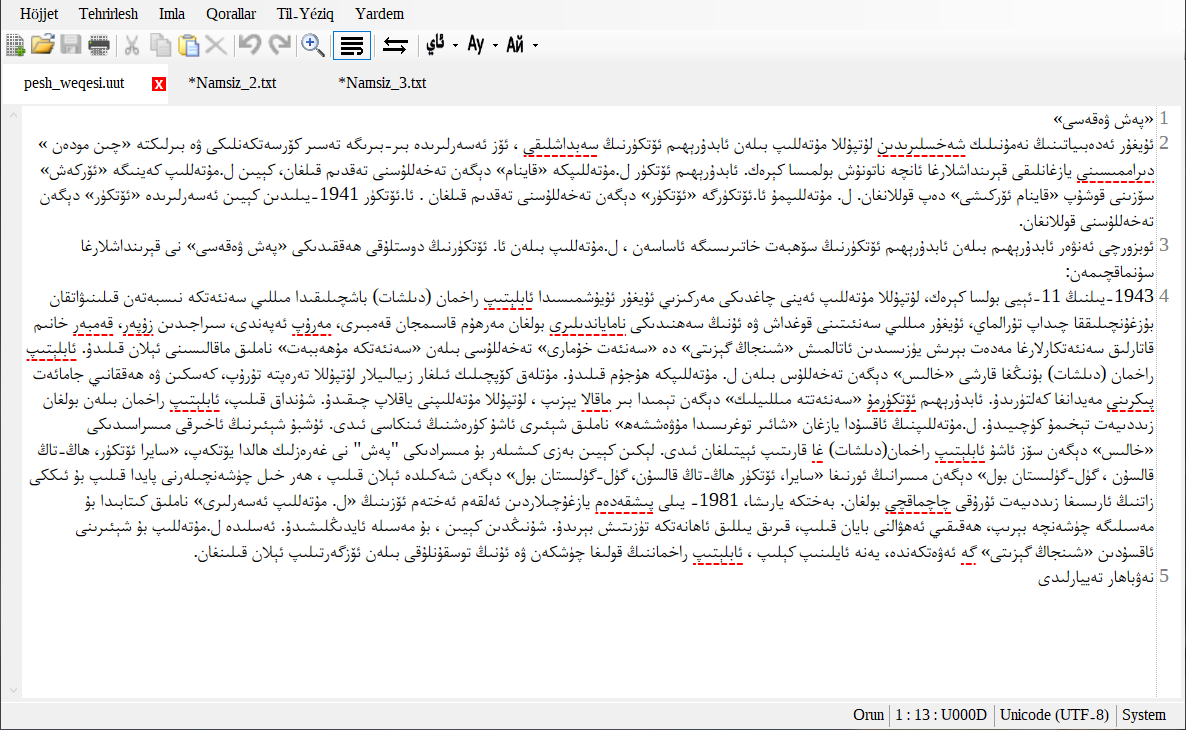
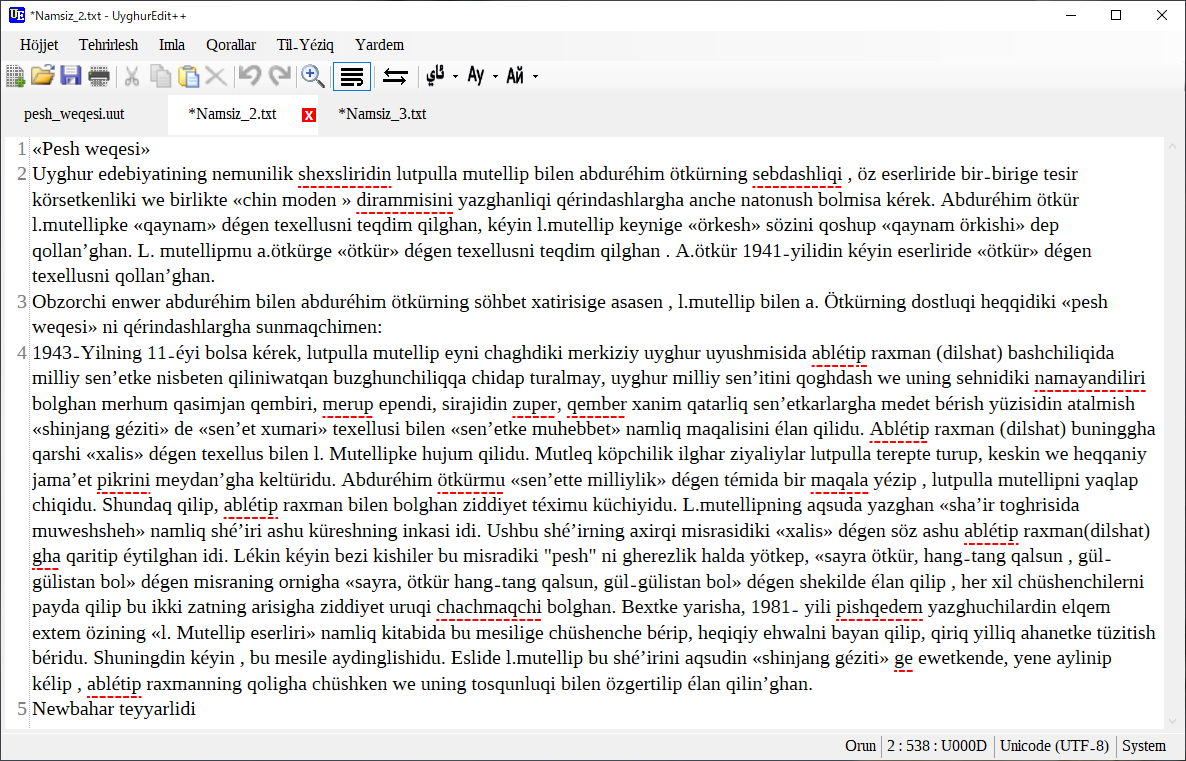
UyghurEdit++
Features
- Spell checking: misspelled words stay underlined in red.
- Script conversion between Arabic, Latin and Cyrillic script.
- The spelling dictionary was built by inflecting the root words of the 2009 orthographic dictionary "Hazirqi Zaman Uyghur Edebiy Tilining Imla Lughiti" and holds about 441,000 words.
- Latin-script input mode (switch with Ctrl+K).
- Make an HTML file from the document you are editing.
To recognize text in images (OCR), use UyghurOCR.
New in 0.84
- OCR (reading text in images) has moved to a separate program, UyghurOCR.
- The download is smaller: about 5 MB instead of about 68 MB.
- The Microsoft Visual C++ Redistributable is no longer needed.
Screenshots
License and source code
UyghurEdit++ is open-source software released under the MIT License. You can also download the source code and build it yourself.
GitHub repositoryFull text of the MIT LicenseUyghurEdit++ Privacy Policy
The screenshots and icon on this page come from the same repository and are shown under the MIT License.
UyghurOCR
A free program that reads the text in images and PDFs and turns it into editable text.
Features
- Languages: Uyghur, English, Turkish, Chinese (Simplified) and Russian. You can choose several at once.
- Reads images and PDFs, and all the files in a folder at once. Drag and drop and images on the clipboard work too.
- You can select an area on the screen and read only that part.
New in 2.0
- PDFs open directly, and Uyghur recognition is more accurate (it can read some handwriting).
License and source code
UyghurOCR is also open-source software released under the MIT License.